You can copy your own pages or you can make copies of other users’ pages that have been shared with you that have the “Copy Page” settings enabled. Typically you would be copying a page that has been created as a “template” by your instructor.
1. On the Dashboard page, click the Portfolio tab (see below)

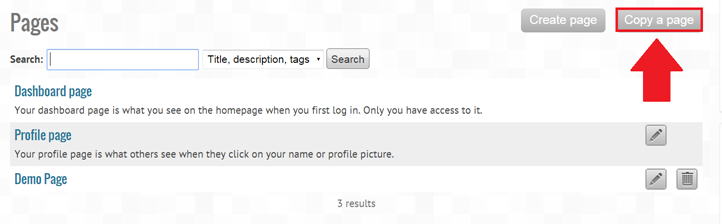
2. Click on Copy a page (see below)
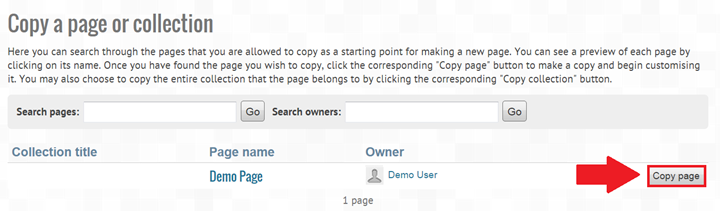
3. Click Copy page (see below)
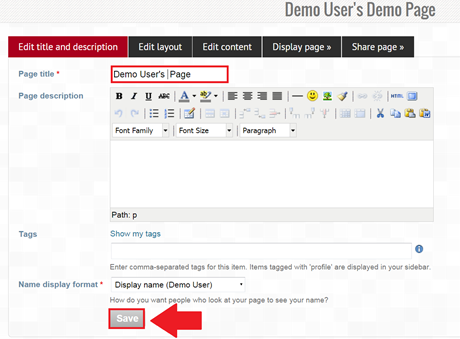
4. Change the name of your newly copied page if you would like (see below)
5. Click Save (see below)
6. The rest of the process is the same as creating a page