Finding Meta Fields in WordPress Pages and Posts
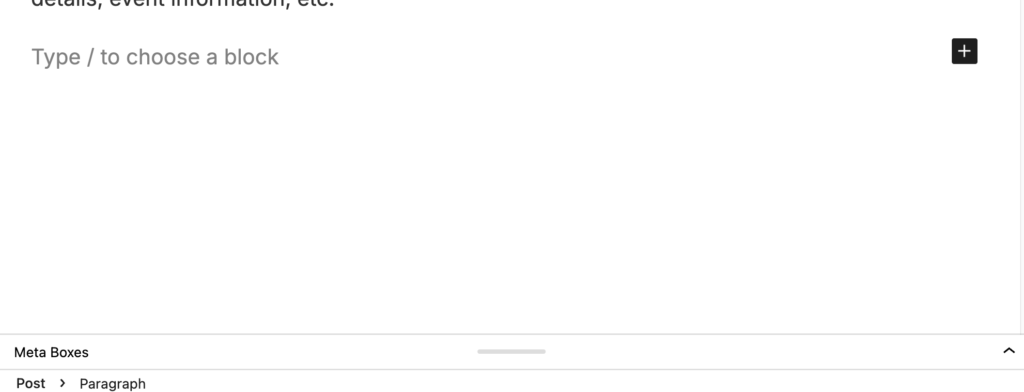
When editing content in WordPress, you may need to view or update custom meta fields attached to a specific content type. These fields used to be visible by default, but recent updates by WordPress mean they are now hidden. But are available through the Meta Fields panels located below the main content editor.
To access them:
- In the back end of your site, open the page, post, or content item you want to edit.
- Scroll down below the content editor.
- If the section is collapsed, click the arrow on the right side of the panel heading to expand it and view all available fields.
- Look for the relevant meta field section to edit.
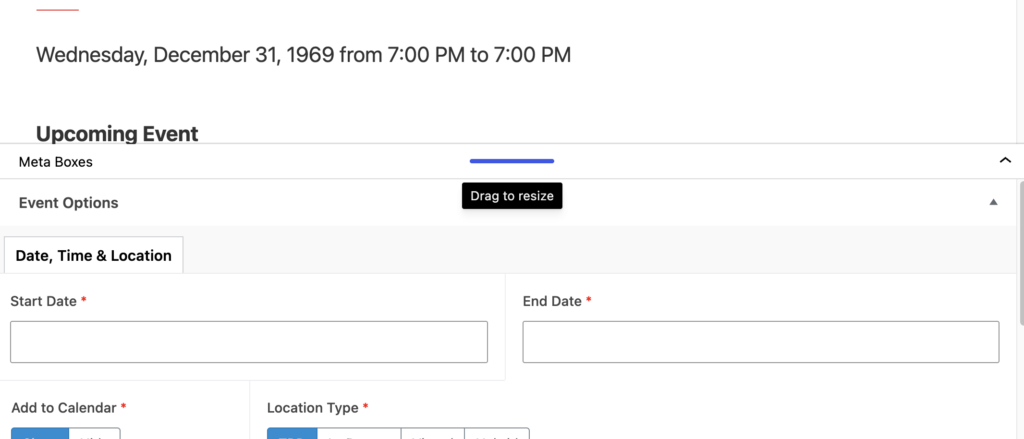
The meta fields displayed will vary depending on the content type you’re editing. Common content types include:
- Page: Standard website pages.
- Post: News articles and blog posts.
- Event: Event listings with date, location, and registration details.
- People: Staff, faculty, or profile pages.