How to Approve Questionnaires
How to Approve Questionnaires
There are two primary methods of data collection: questionnaires and forms. The focus of this guide is specifically on the procedures for effectively managing and evaluating questionnaires.
There are two ways to approve the questionnaire.
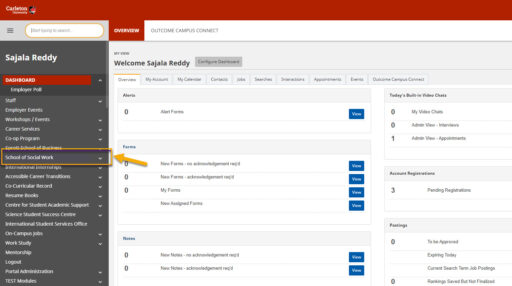
From the Dashboard, Click “School of Social Work.”
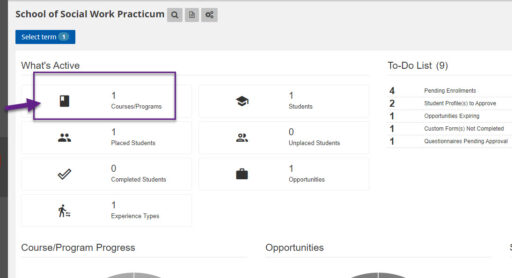
Click “Courses/Programs.”
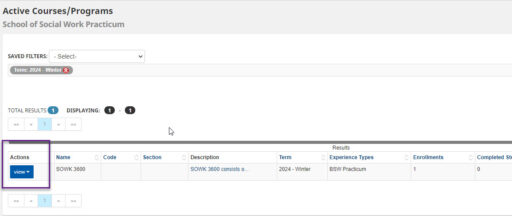
Click “View”
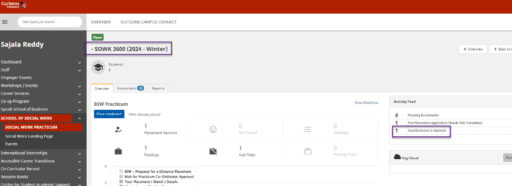
Click “Questionnaire to Approve.”
Click “View Breakdown.”
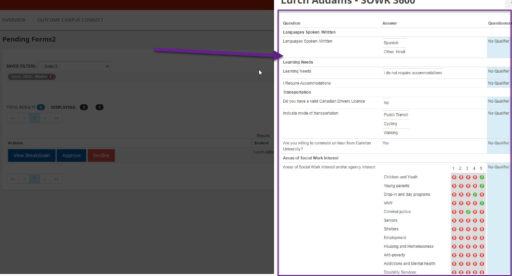
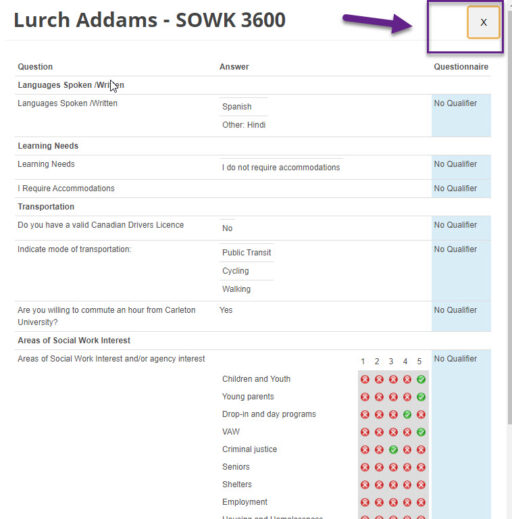
Click “X” to go back.
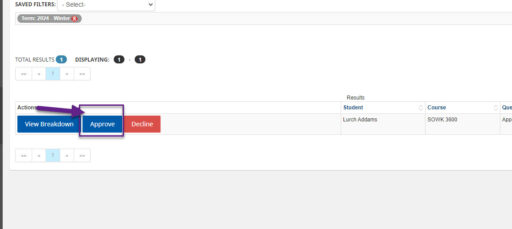
Click “Approve”
Navigate to the student Profile
2. Alternate Ways of Approving Questionnaires: Student Profile
Click on “View Form.”
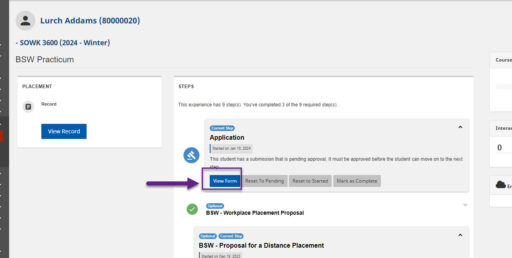
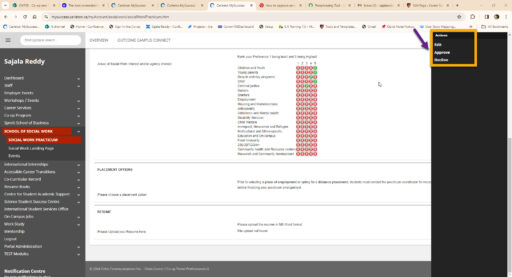
Click on Action (three dots)
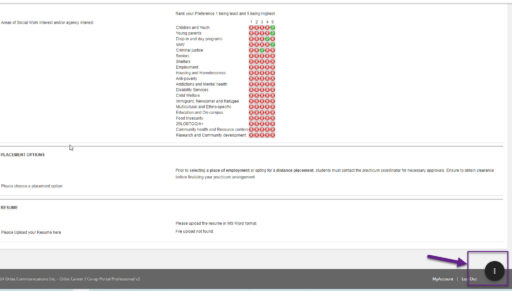
Click “Approve.”
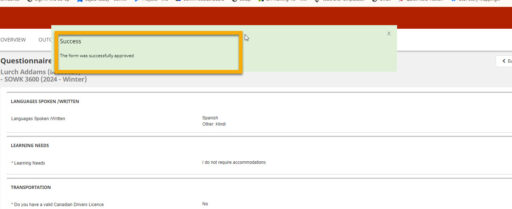
The message will be displayed after it is successfully approved.”
Click “Back to Enrolled Student.”The message is displayed on the admin view that the form is approved by XXX-on-XXX date
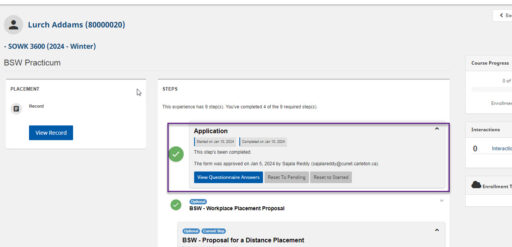
The student will not see who approved the form; they will only see when the message step is completed.