Create or reply to an email message on behalf of another person
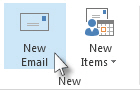
- In Mail, click Home > New Email.
- On the Options tab, in the Show Fields group, click From.
- In the From box, type the name of the person on whose behalf you are sending the message.
To select the name from a list in the Address Book, click From.
- Add recipients, a subject, and the contents of the message as you typically do.
To reply to an email message
- In the other person’s mailbox, select the message that you want to reply to on behalf of your manager.
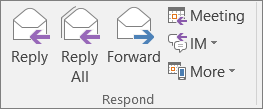
- Click Home (If you have opened the message, click Message), and then click Reply, Reply All or Forward.
- On the Options tab, in the Show Fields group, click From.
- In the From box, type your manager’s name. To select the name from a list in the Address Book, click From. If you don’t see the From button and box, click Options > From.
- Add recipients, a subject, and the contents of the message as you typically do.