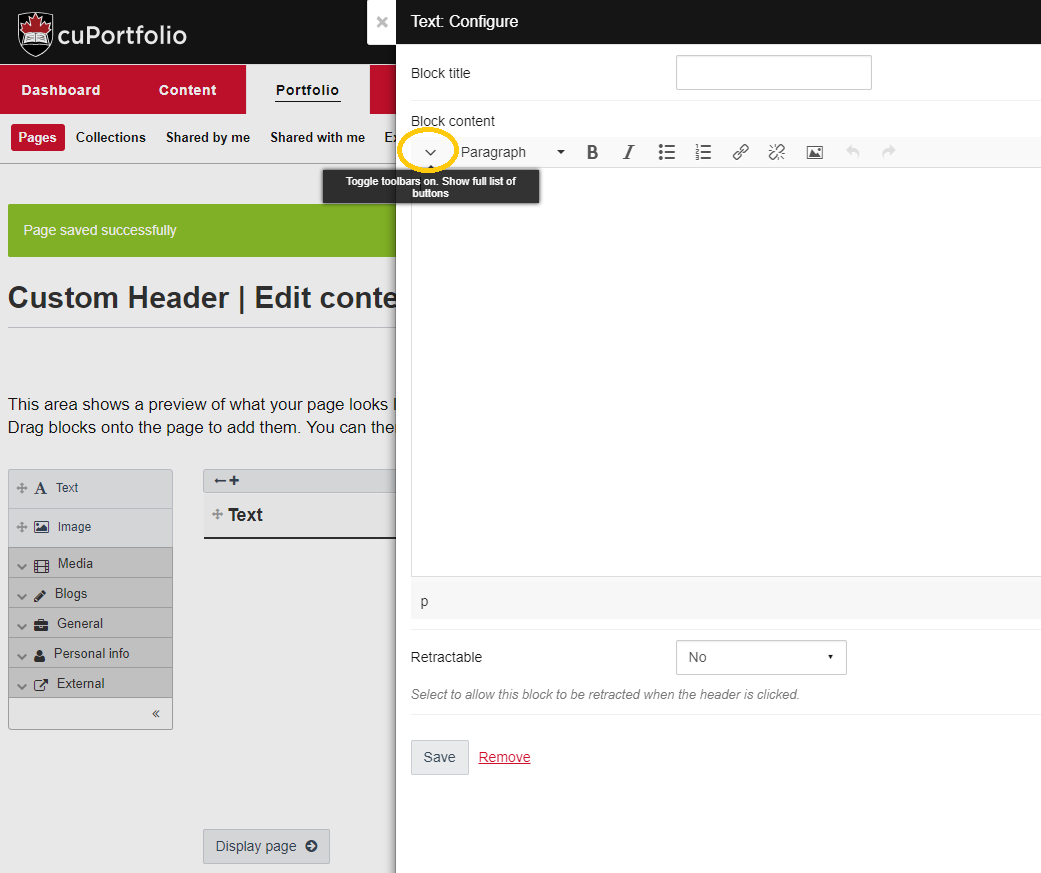
- To create a custom header, add a text box to your page and remove the default ‘Block title’ text. Click on the arrow on the left-hand side of the toolbar in order to display the full toolbar.
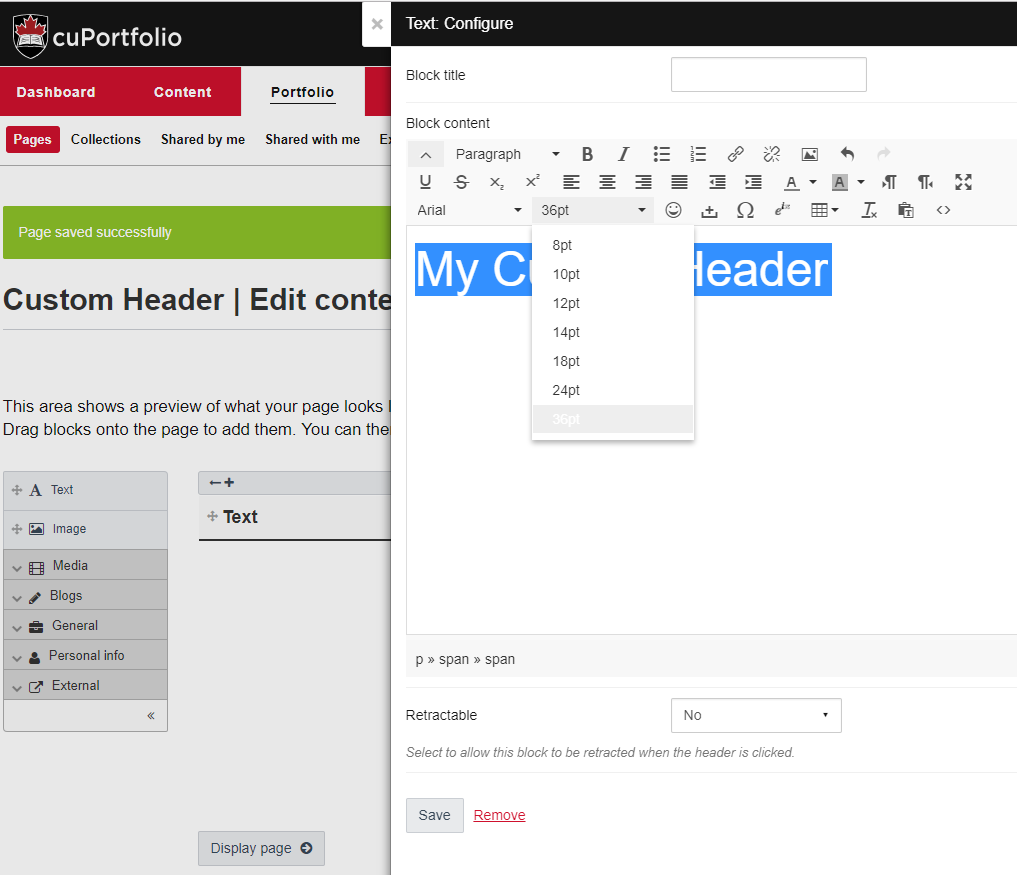
2. Then type your header text and highlight it before increasing the font size.
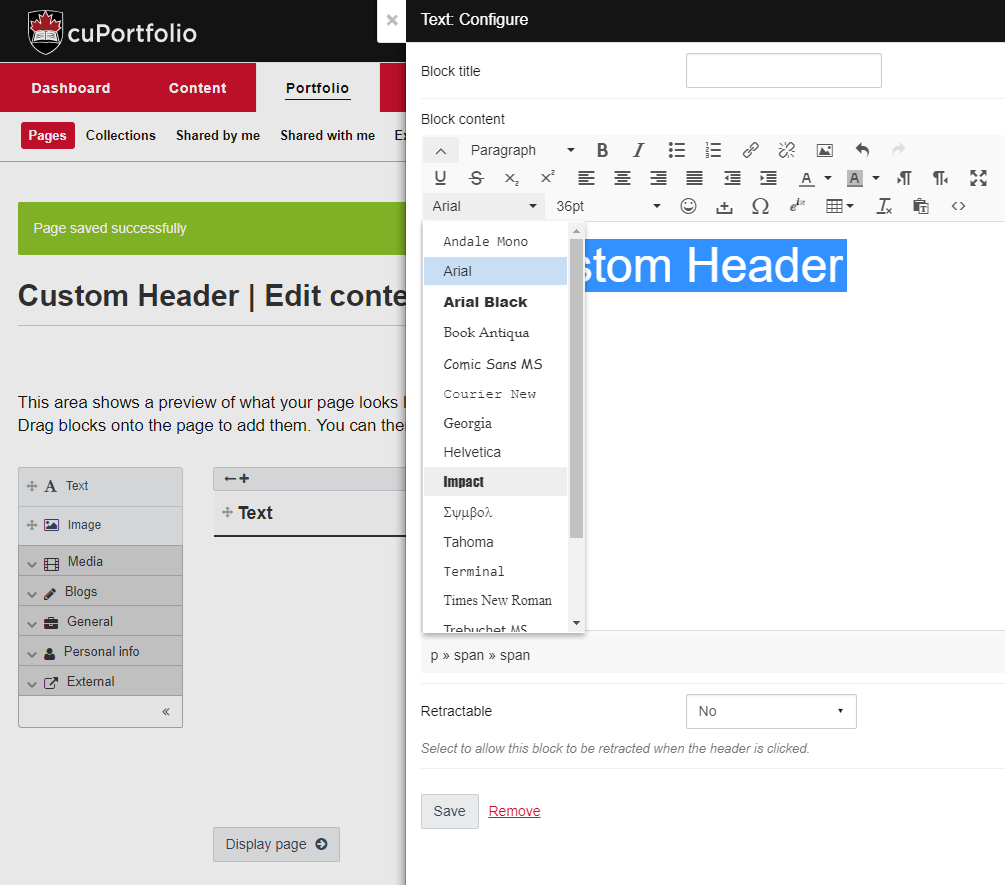
3. Next, select a different font family to give help make your text stand out.
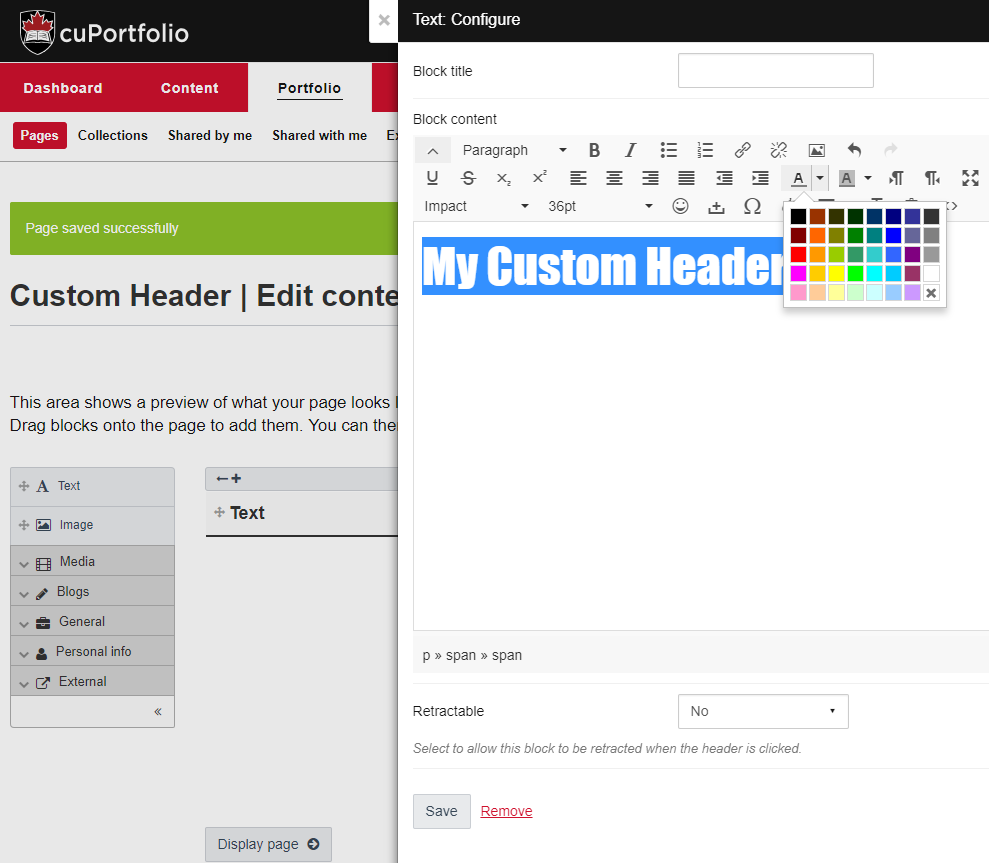
4. Change the text colour, by clicking on the appropriate tool in the toolbar.
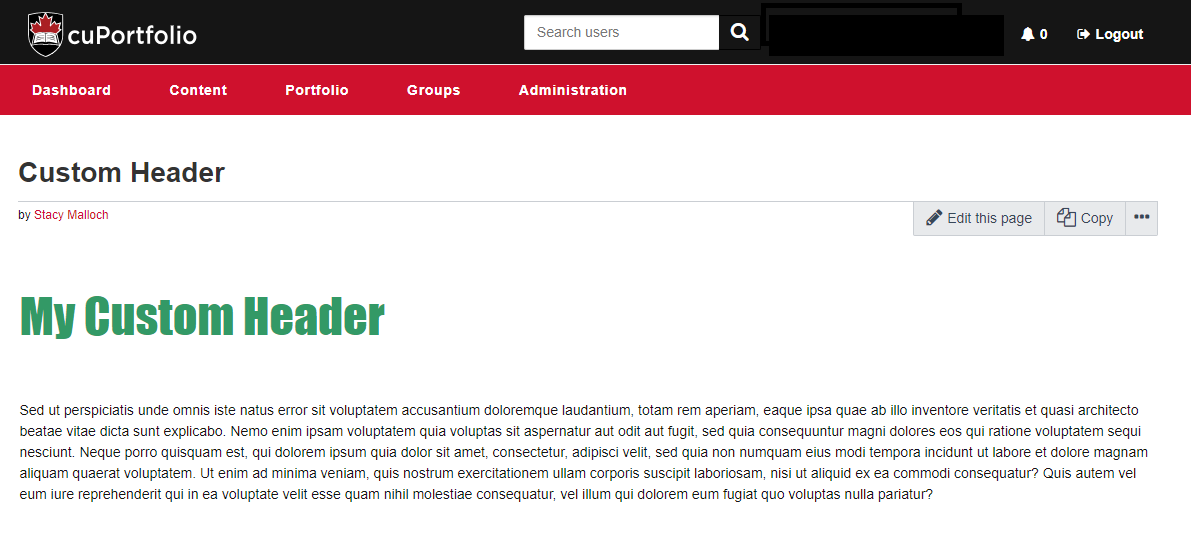
5. Press ‘save’ to save your changes. See new custom header below:
Was this page helpful?
812
b633161148
1 Person found this useful