Recording and Editing Support Resources:
- Recording Zoom Sessions – Carleton University Policy (Carleton Webpage)
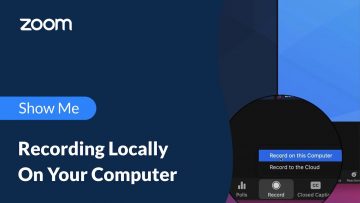
- Recording a Zoom session locally (Zoom Official site + video)
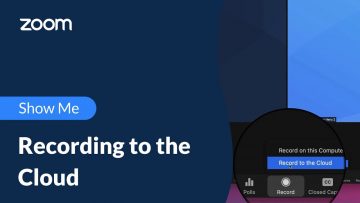
- Recording a Zoom session to the Cloud (NOT recommended) (Zoom Official site + video)
- NOTE: Due to limited cloud storage, cloud recordings for all Carleton-held Zoom accounts are automatically deleted after 120 days, and remain in the trash for an additional 30 days.
- Uploading your Zoom recordings to MediaSpace (Carleton Webpage)
- Saving your Zoom chat (Zoom Official site)