Contact the SCS Tech Staff: Students
COMP Course Help – Procedure
Course TA’s & Lab Coordinators
Contacting the SCS Technical Support Staff
SCS Help Desk: In-Person Support
COMP Course Help – Procedure
Do you need help with your COMP courses, lab tutorials, Windows account, OpenStack, or Linux? This section explains the procedures to follow depending on the help you need.
-
For technical issues, contact the following individuals in this order:
- See your Course Teaching Assistant (TA) during their office hours
- Contact your Course Lab Coordinator (if told to do so by a TA)
- Contact the SCS Technical Staff (if told to do so by a Lab Coordinator)
There is more help if you need it, the Administrative Staff can assist with you with many aspects of the Computer Science Program.
People
-
Course TAs can answer most questions concerning your course:
- Answer academic questions
- Assist with the course software
- Get you started with accounts and account creation
-
Your Lab Coordinators can help you with:
- Lab Tutorials
- Assist with creating lab accounts
-
If you need to contact the Technical Staff regarding any VirtualBox or Openstack issues, follow these instructions:
Contacting the SCS Technical Support Staff
The SCS Technical Staff can help with general technical issues related to the use of school technical facilities. Students please follow these instructions before contacting the Technical Support Staff.
The Technical Support Staff hours of operation are Monday to Friday during regular business hours. Regular business hours varies and typically are from 8:30 am to 4:30 pm.
SCS Tech Support Email: scs.tech.support@carleton.ca.


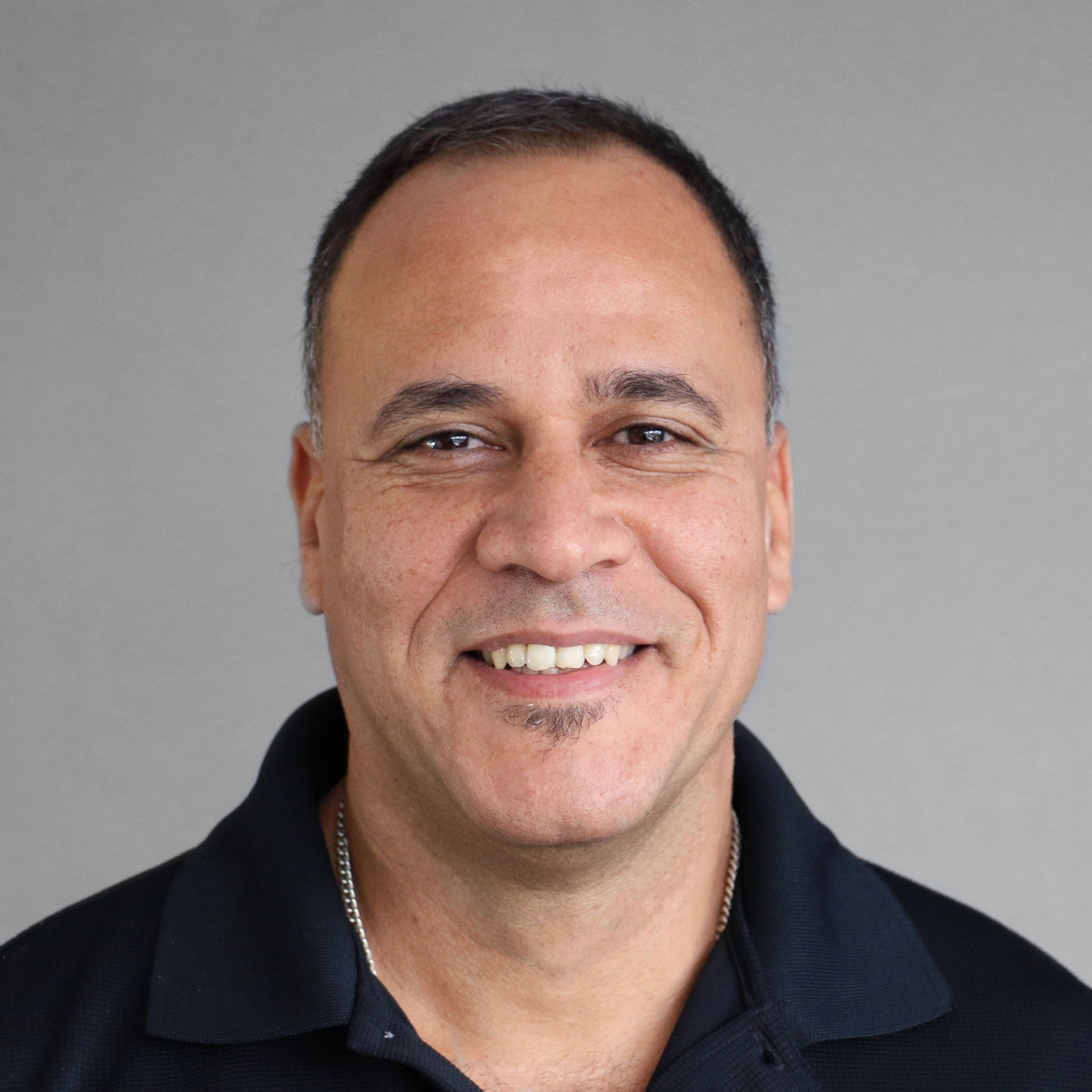
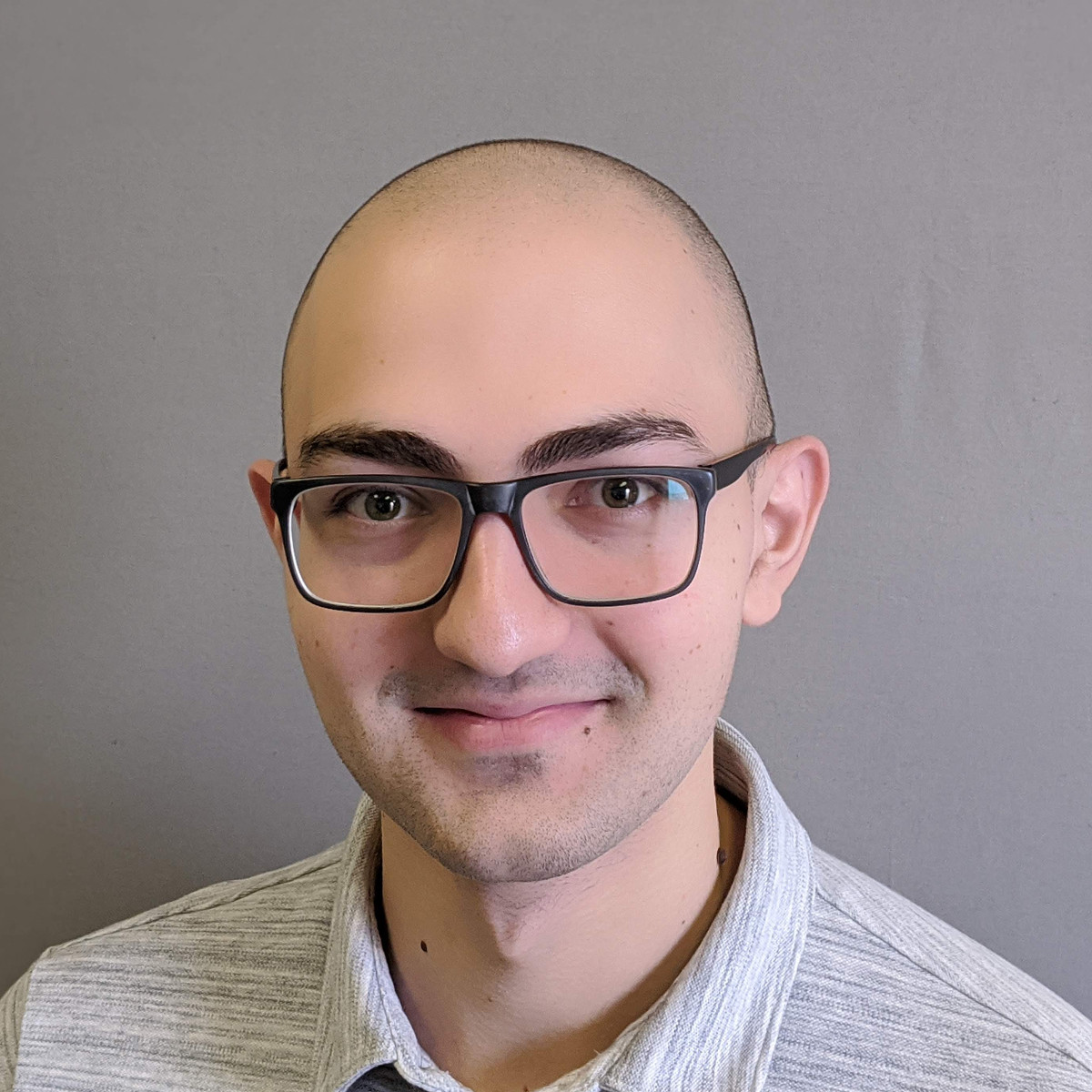

SCS Help Desk: In-Person Support
There is in-person help desk support for Computer Science students:
Location: HP5161
Hours of operation: Regular Business Hours (*)
Email: scs.tech.support@carleton.ca
(*) Regular Business Hours are typically Monday to Friday 8:30 am until 4:30 pm.